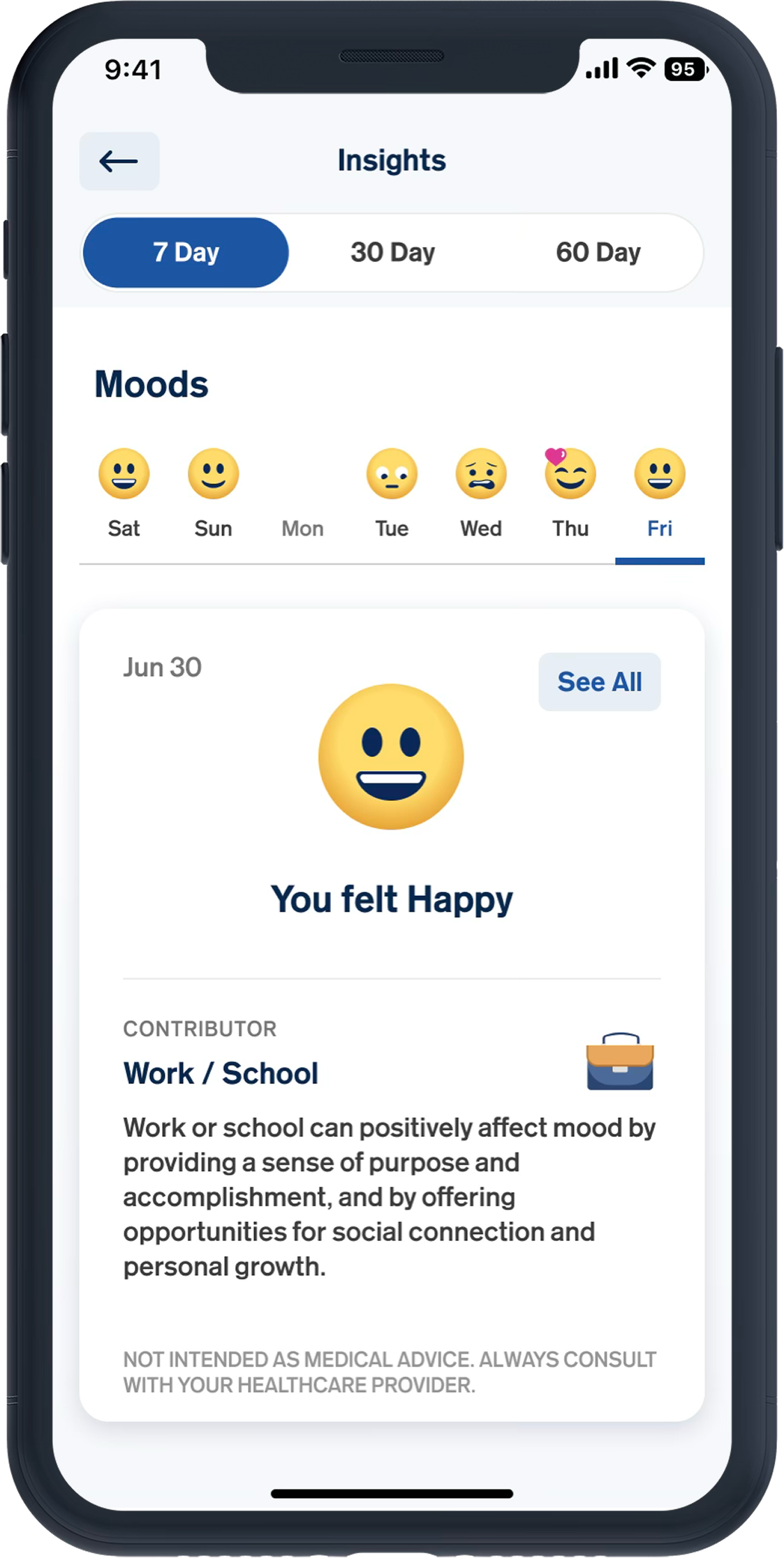
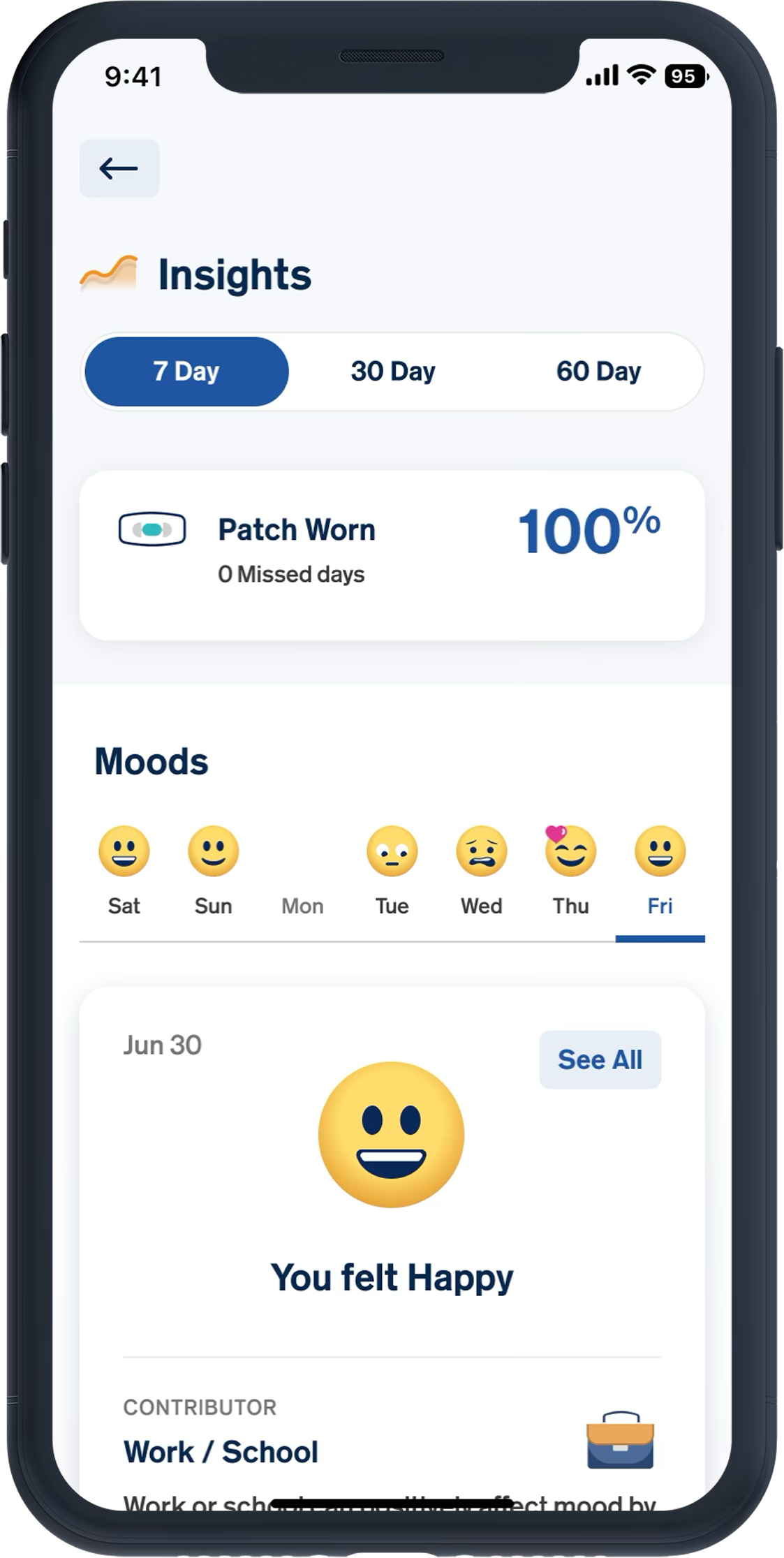
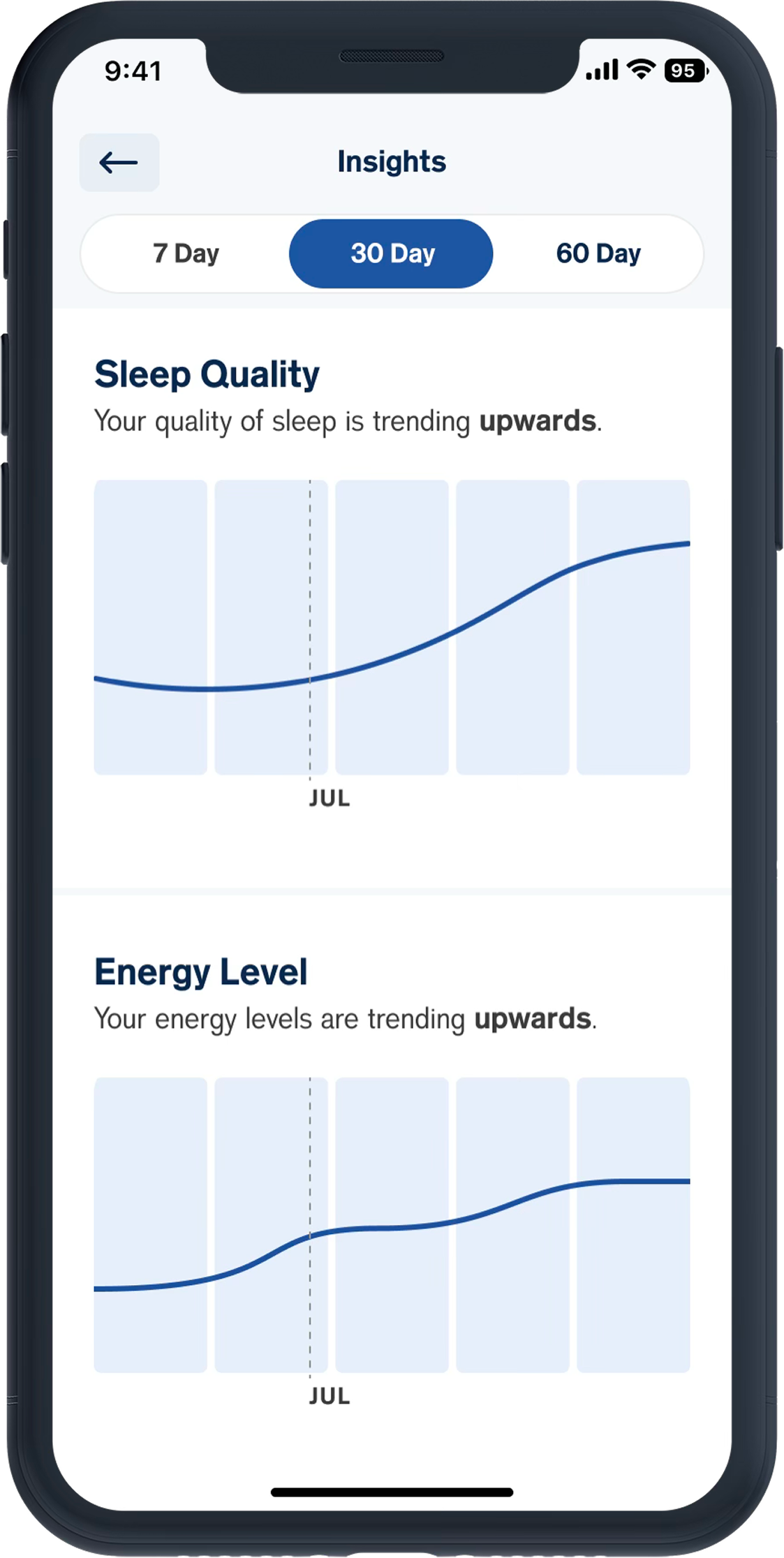
MyCite Mobile

Abilify MyCite Mobile App

Mobile App | UX Design | UI Design | Design System | New Feature Development | Problem-solving | Iconography | Illustration | Prototyping | Human factors testing
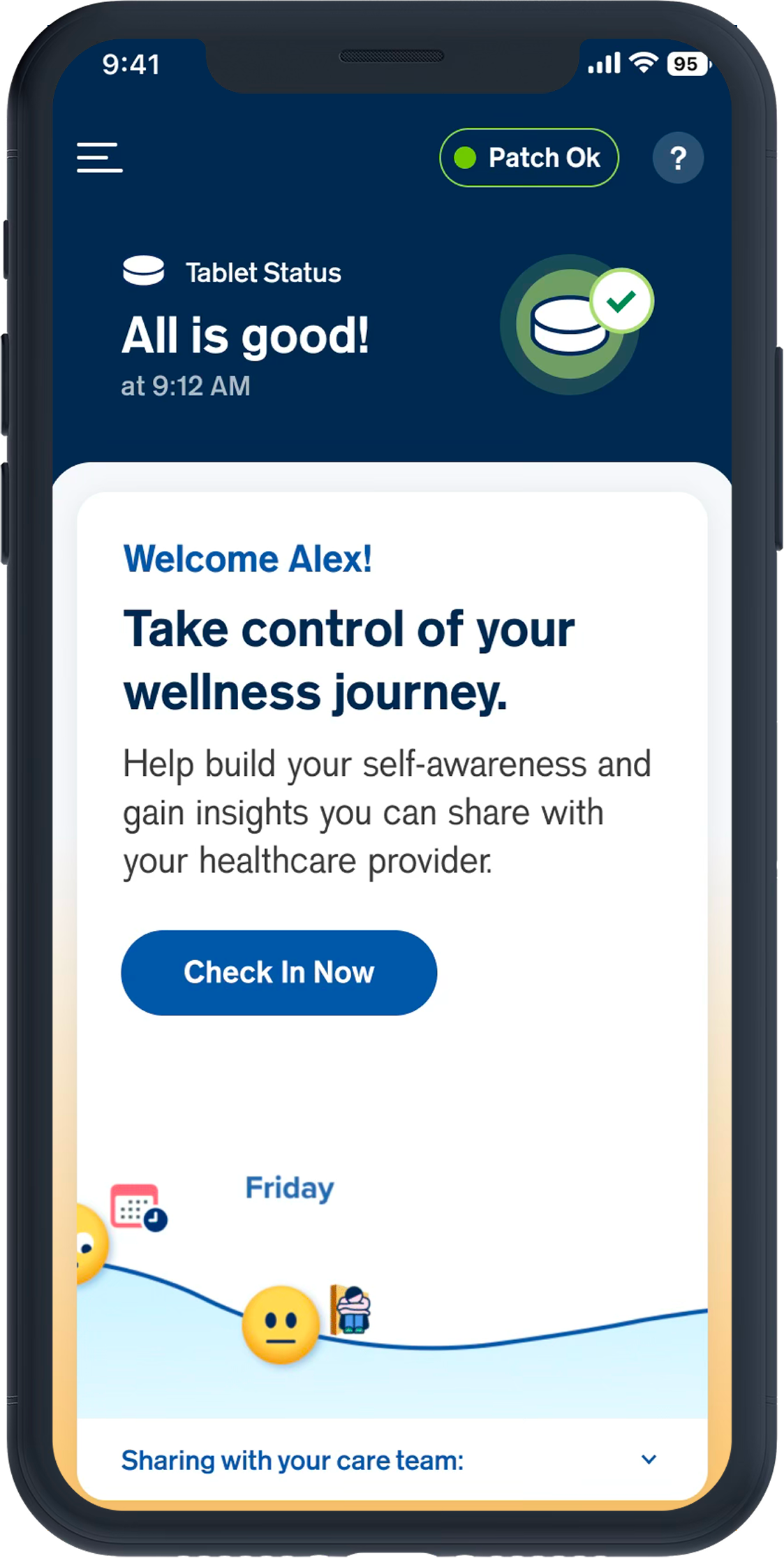
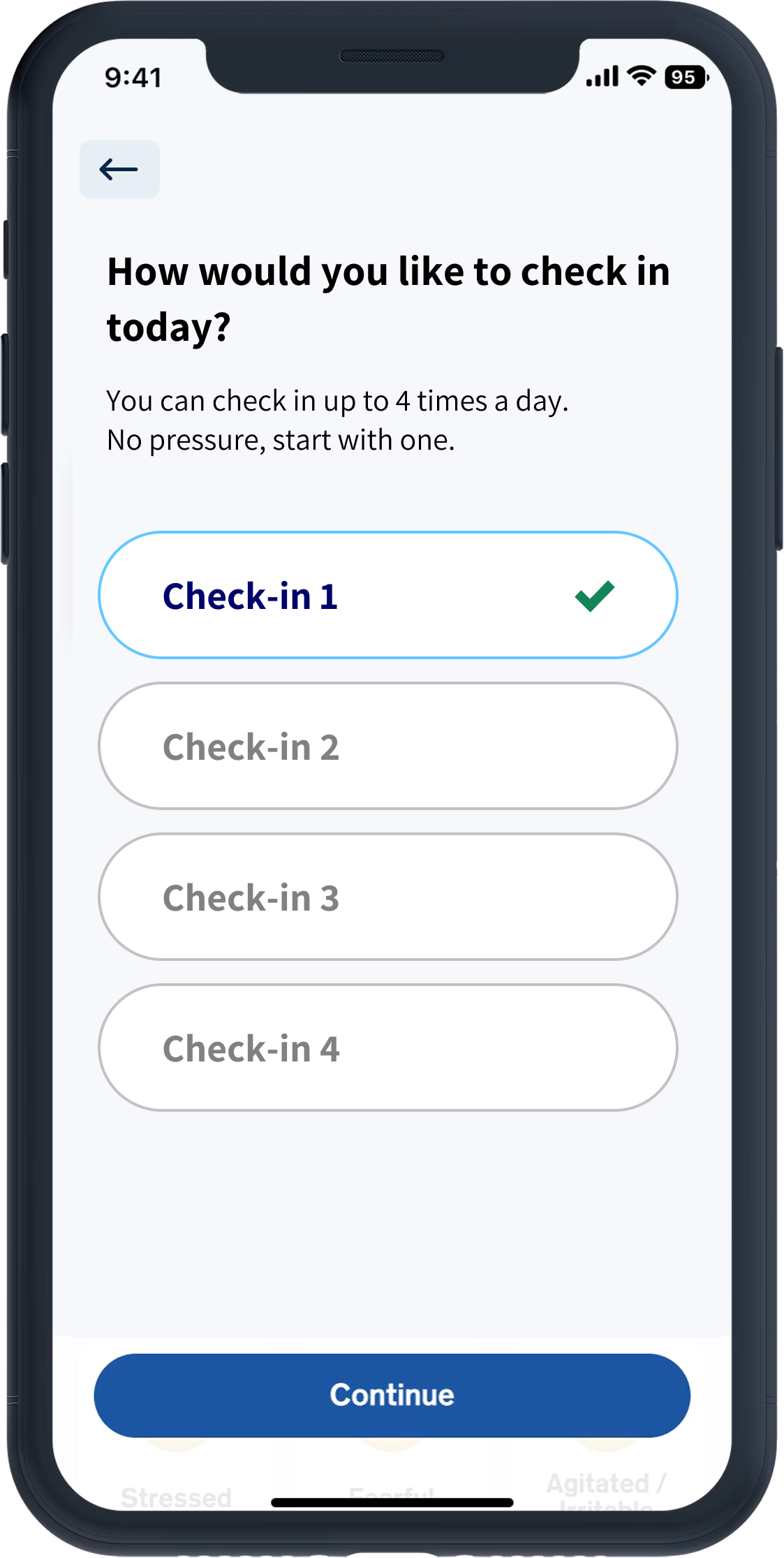
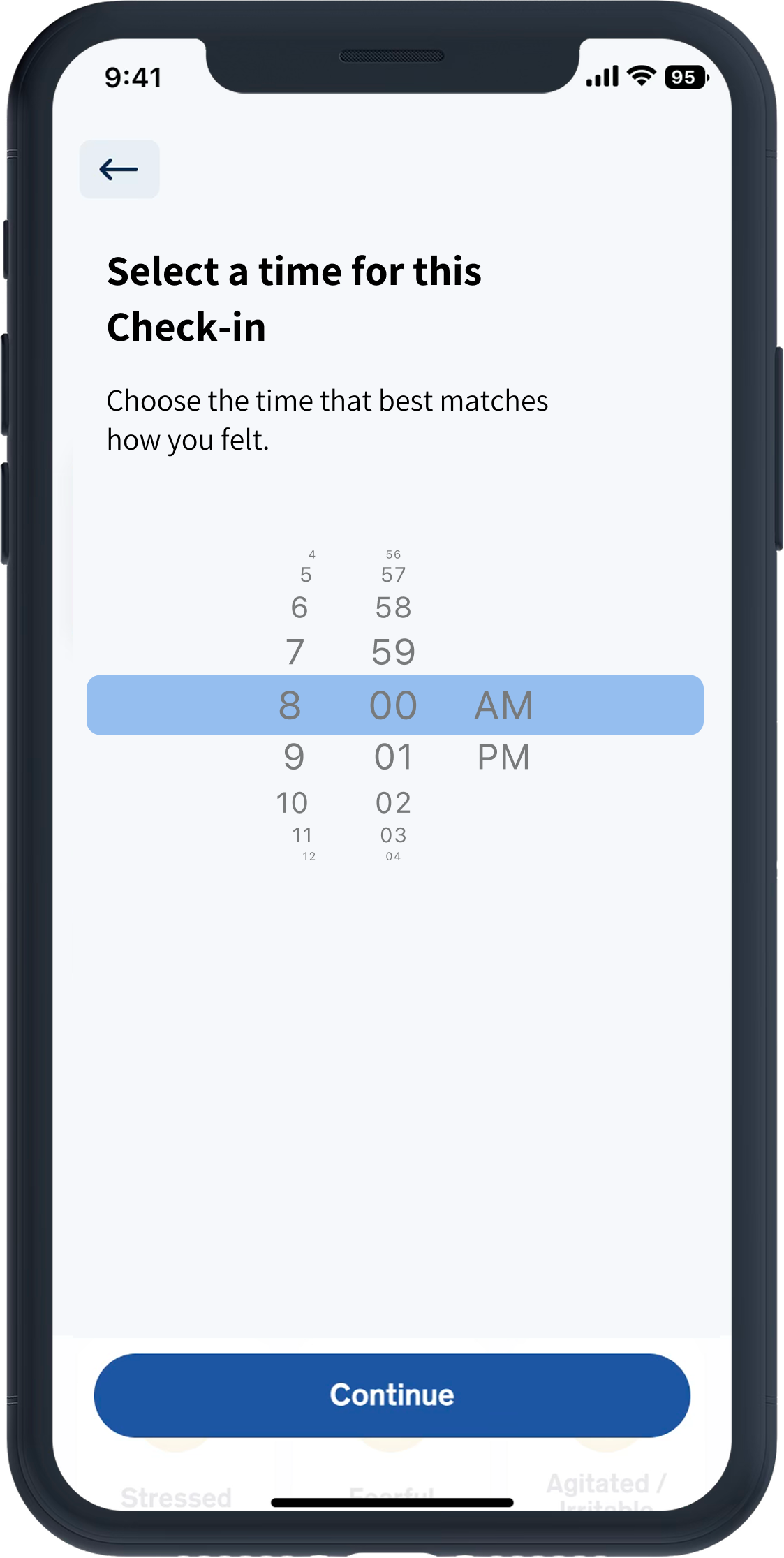
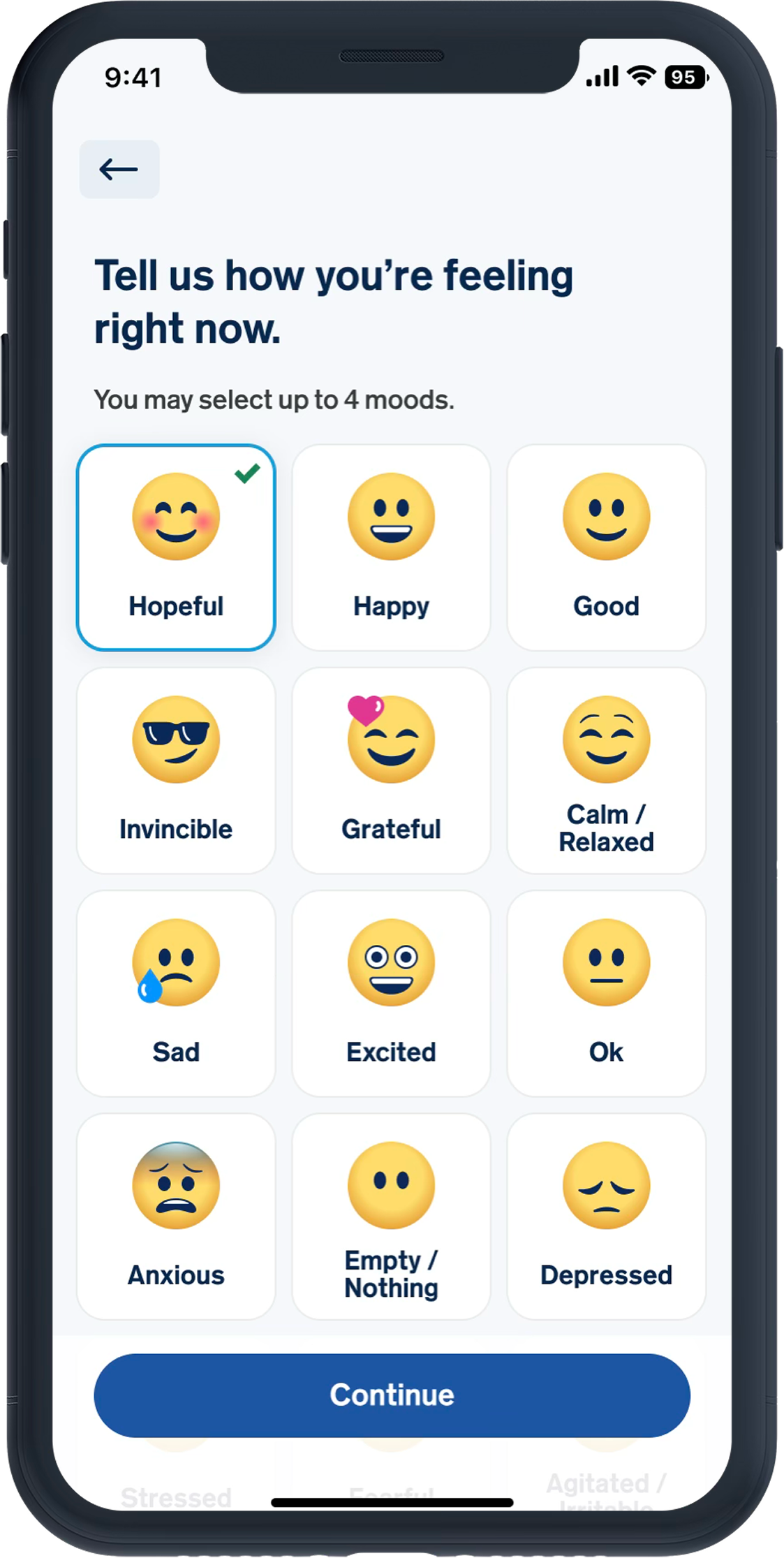
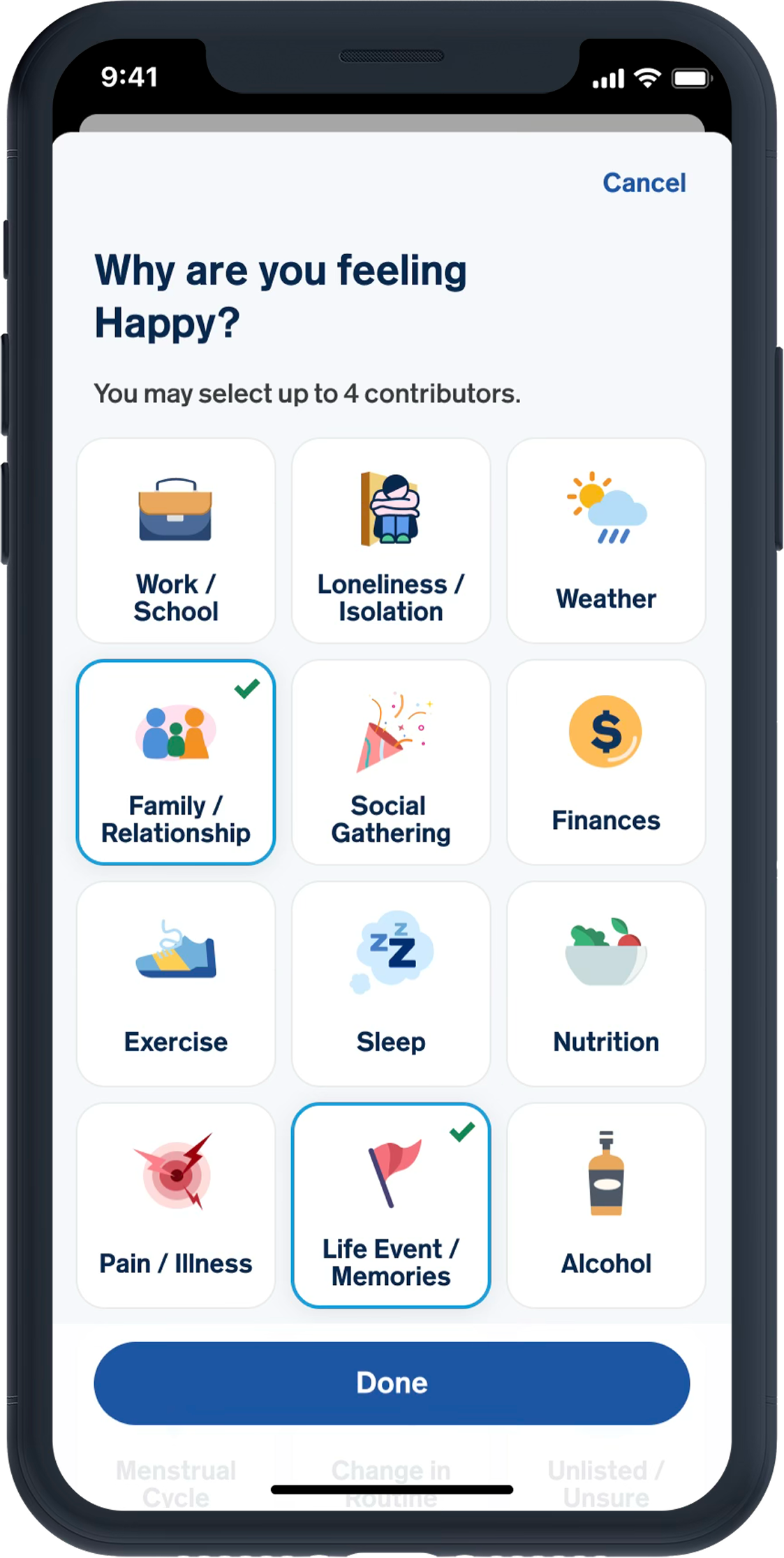
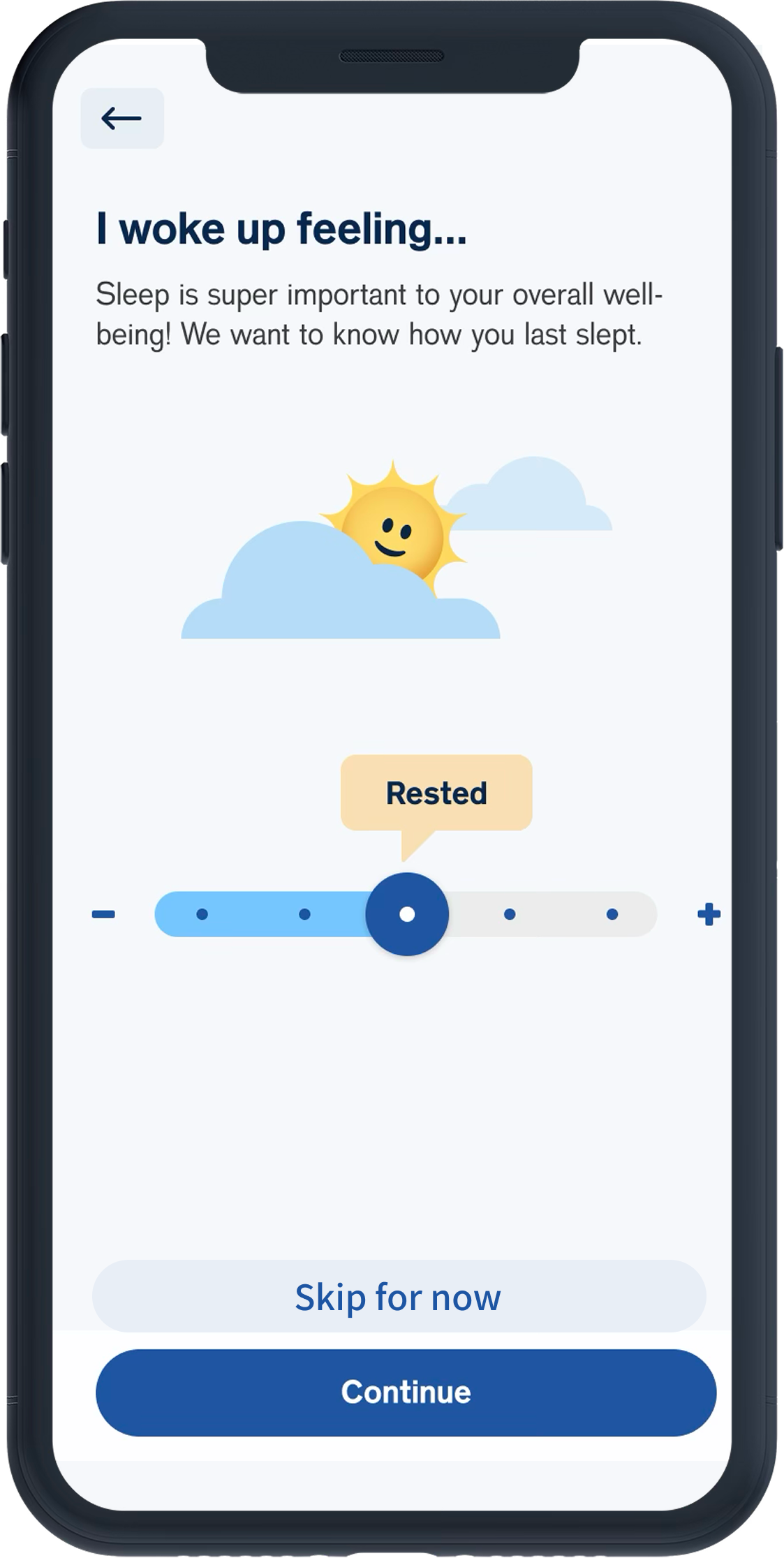
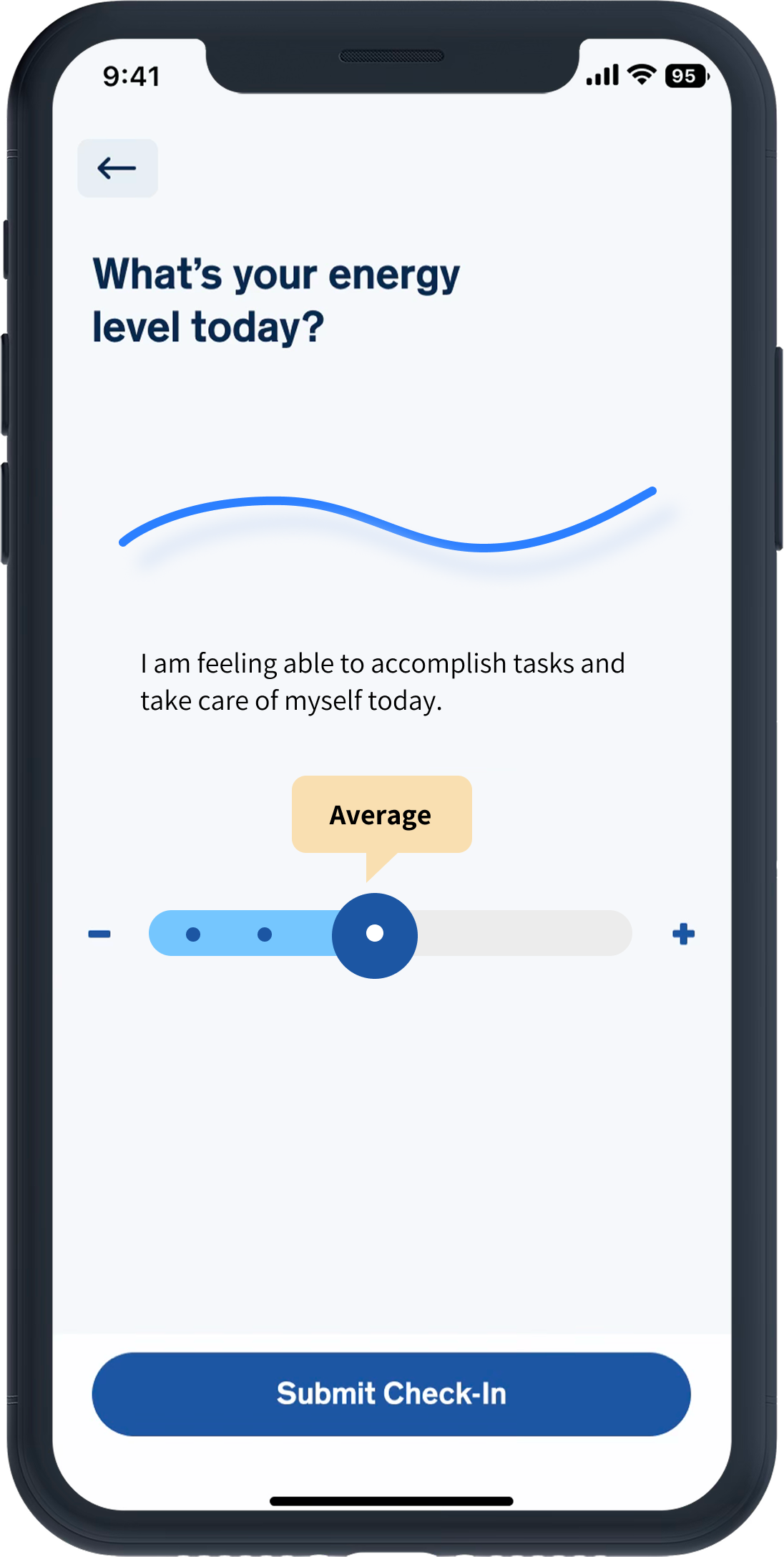
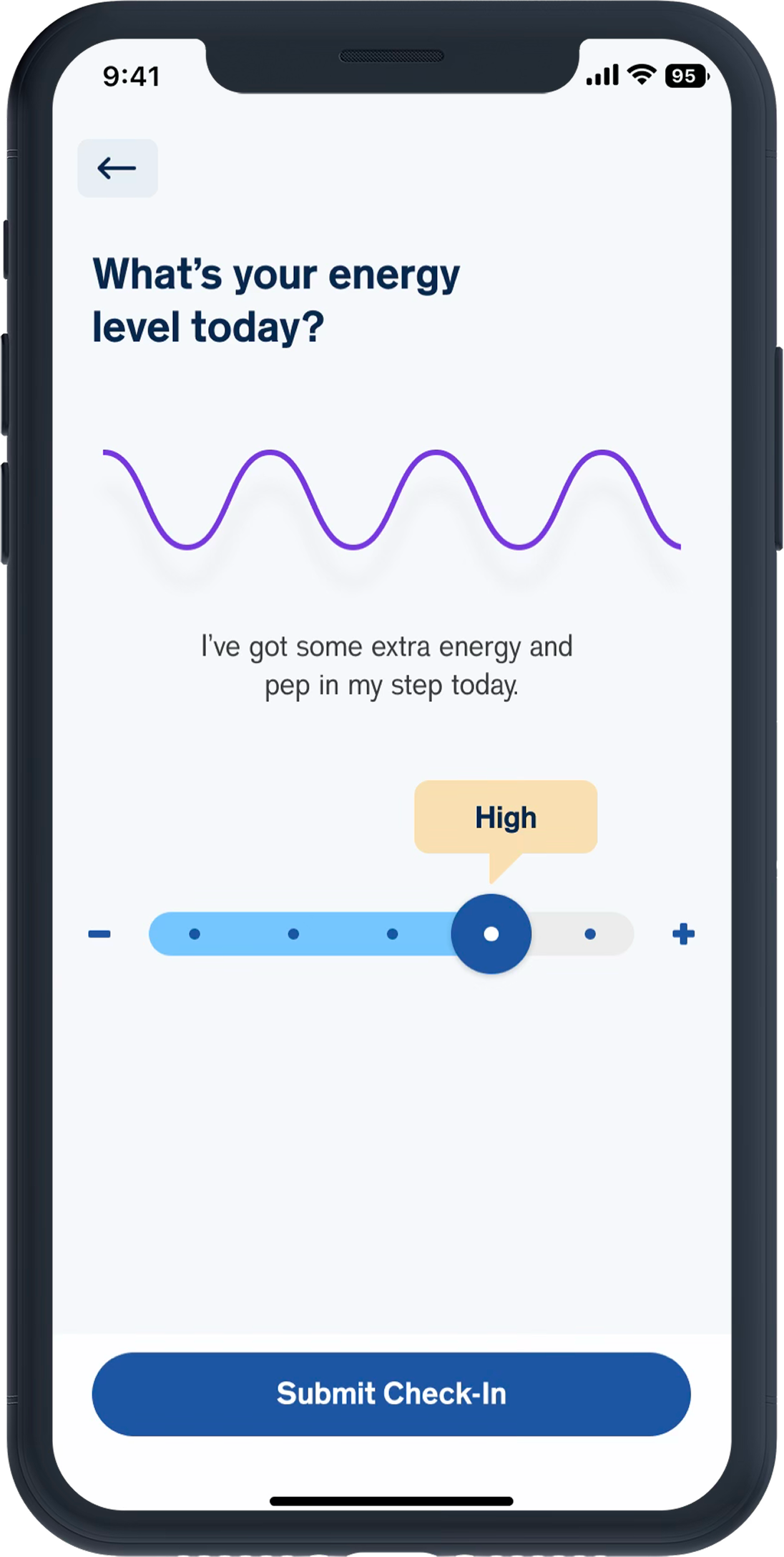
MyCite Mobile is a high-risk, highly regulated digital healthcare product designed to help patients with Major Depressive Disorder and Bipolar Disorder I build sustainable medication and adherence habits. It is especially helpful when patients experience low energy, low motivation, and emotional vulnerability.
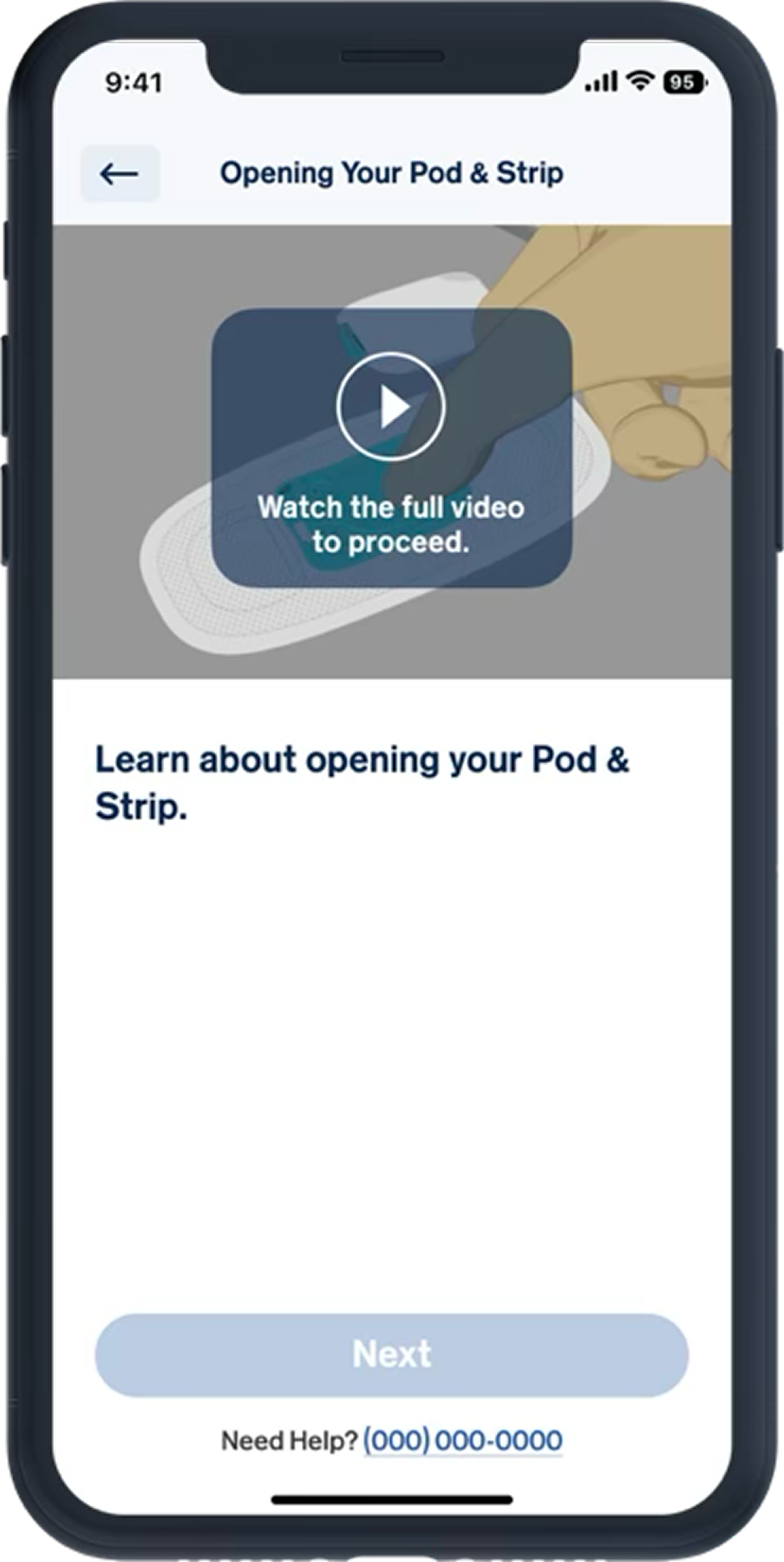
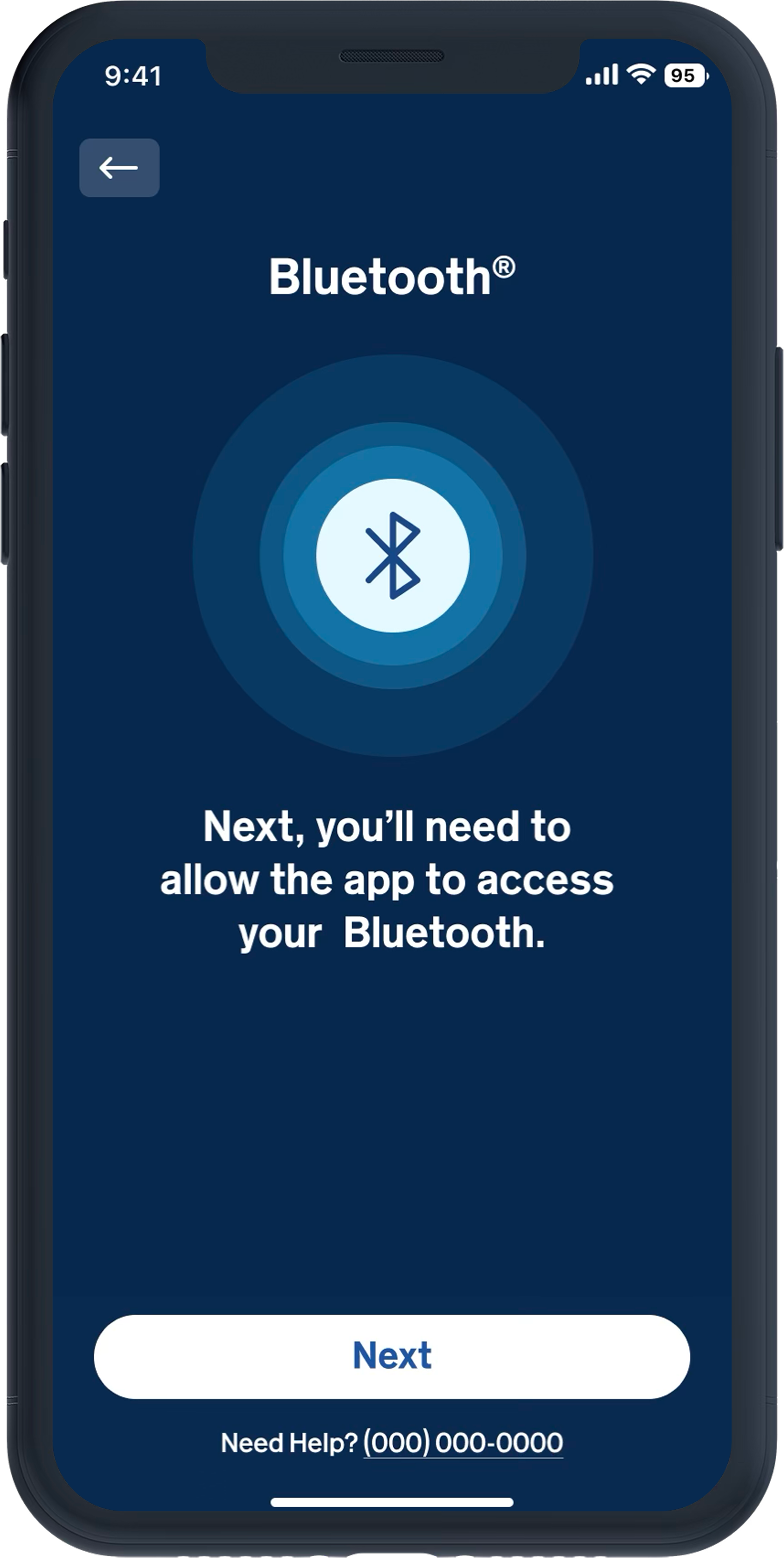
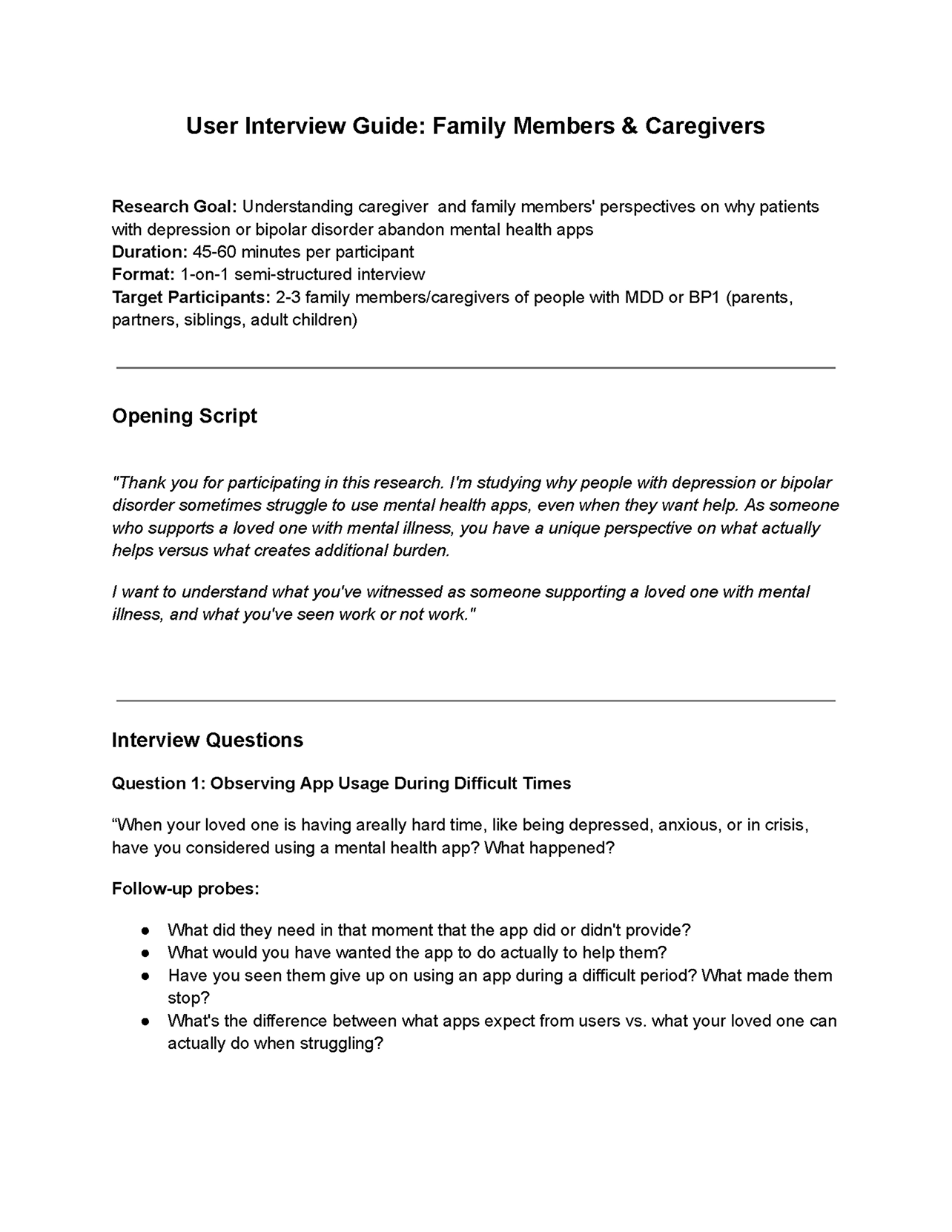
This is not a “nice-looking app” project. It’s a behavior-change system developed under strict FDA digital health regulations, Human Factors and usability engineering standards, and strict documentation requirements.

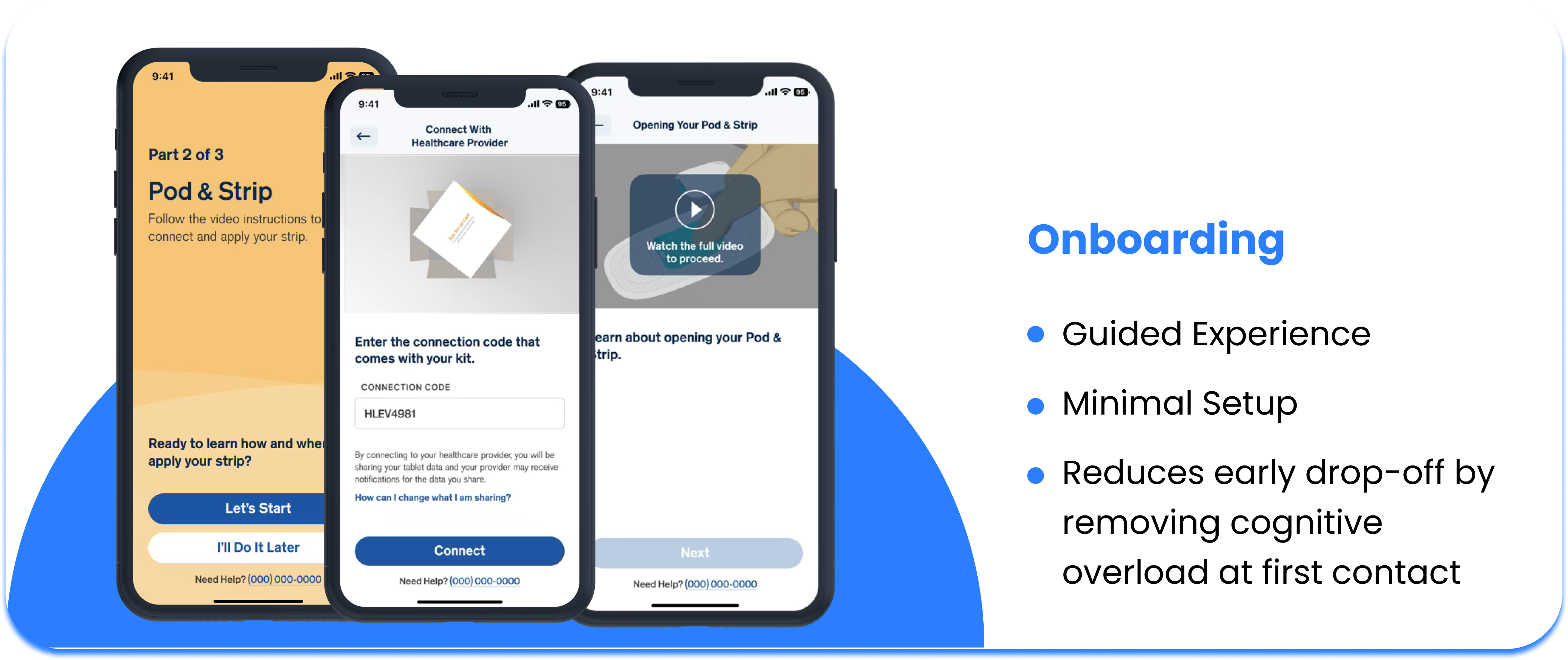
After the redesign, onboarding completion increased from under 50% to 90%, and 90 day retention improved from nearly zero to 30%.
PROBLEM STATEMENT
Patients with mental health conditions, such as MDD and BP1, often disengaged during onboarding due to high cognitive and emotional demands at a time when their capacity was lowest. This resulted in low activation, unstable routines, and poor retention.
DESIGN CHALLENGE
"How might we redesign onboarding and early engagement to feel supportive and non-judgmental, reduce effort while respecting users’ autonomy and emotional state, support easy re-entry after lapses, and still meet Human Factors and FDA requirements for clarity, understanding, and safe use?"
DESIGN SOLUTION
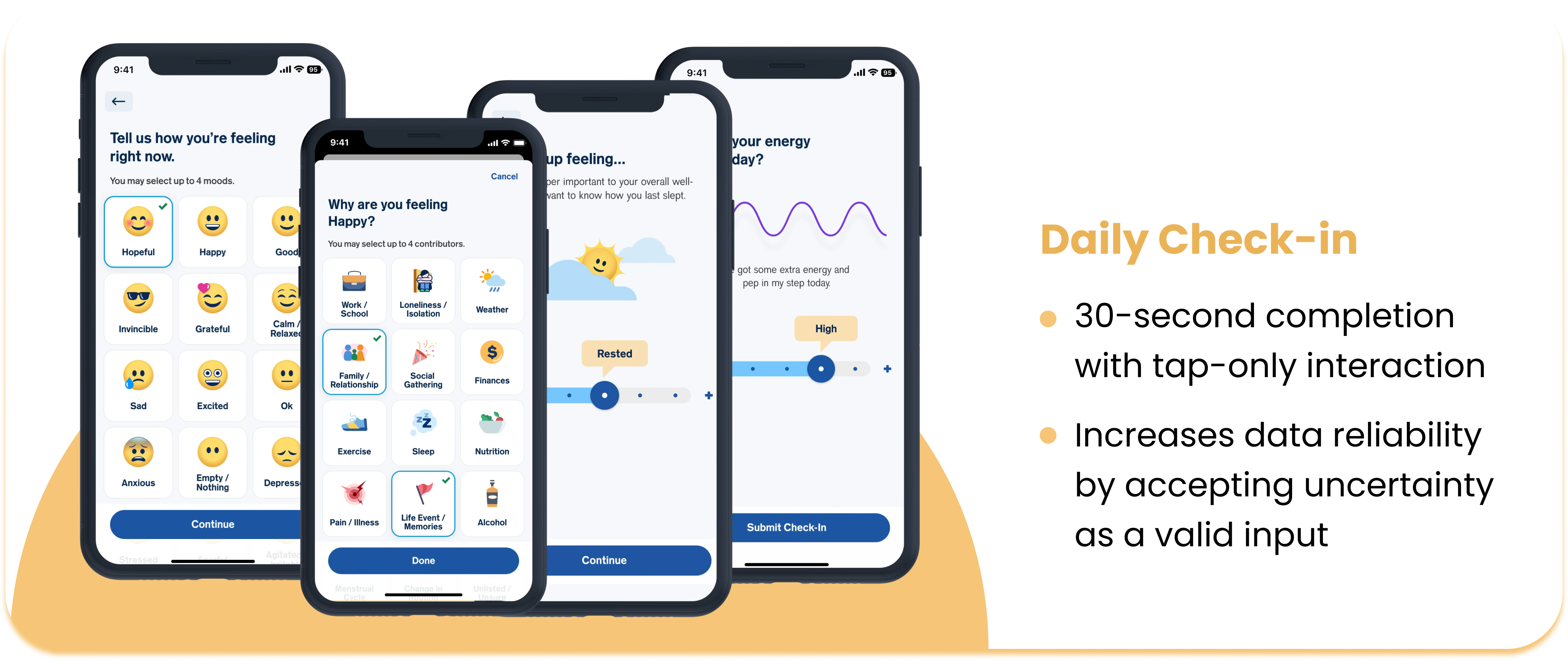
We aim to create a design that feels non-judgmental, low-pressure, and emotionally safe, while also meeting Human Factors and FDA requirements.
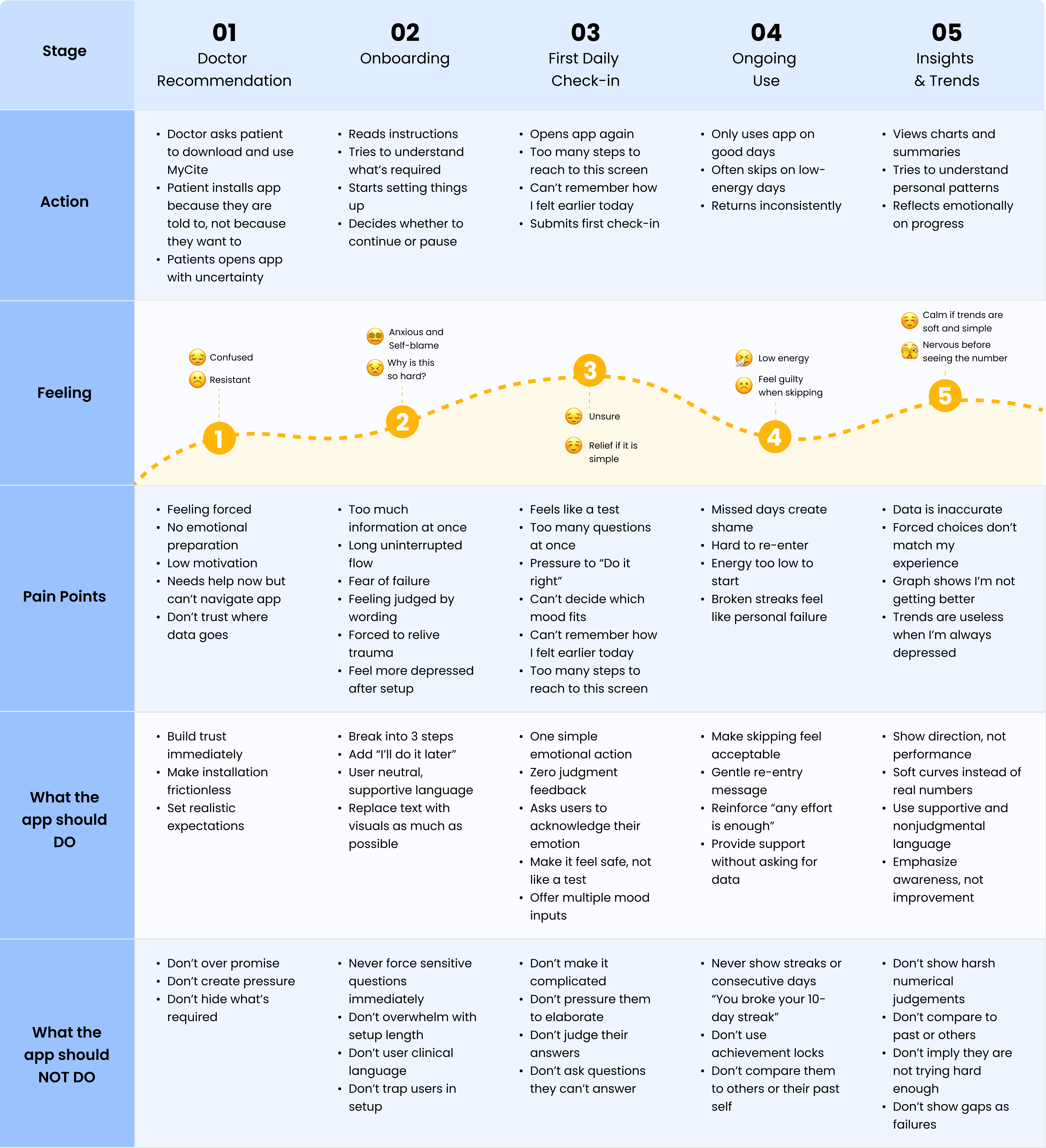
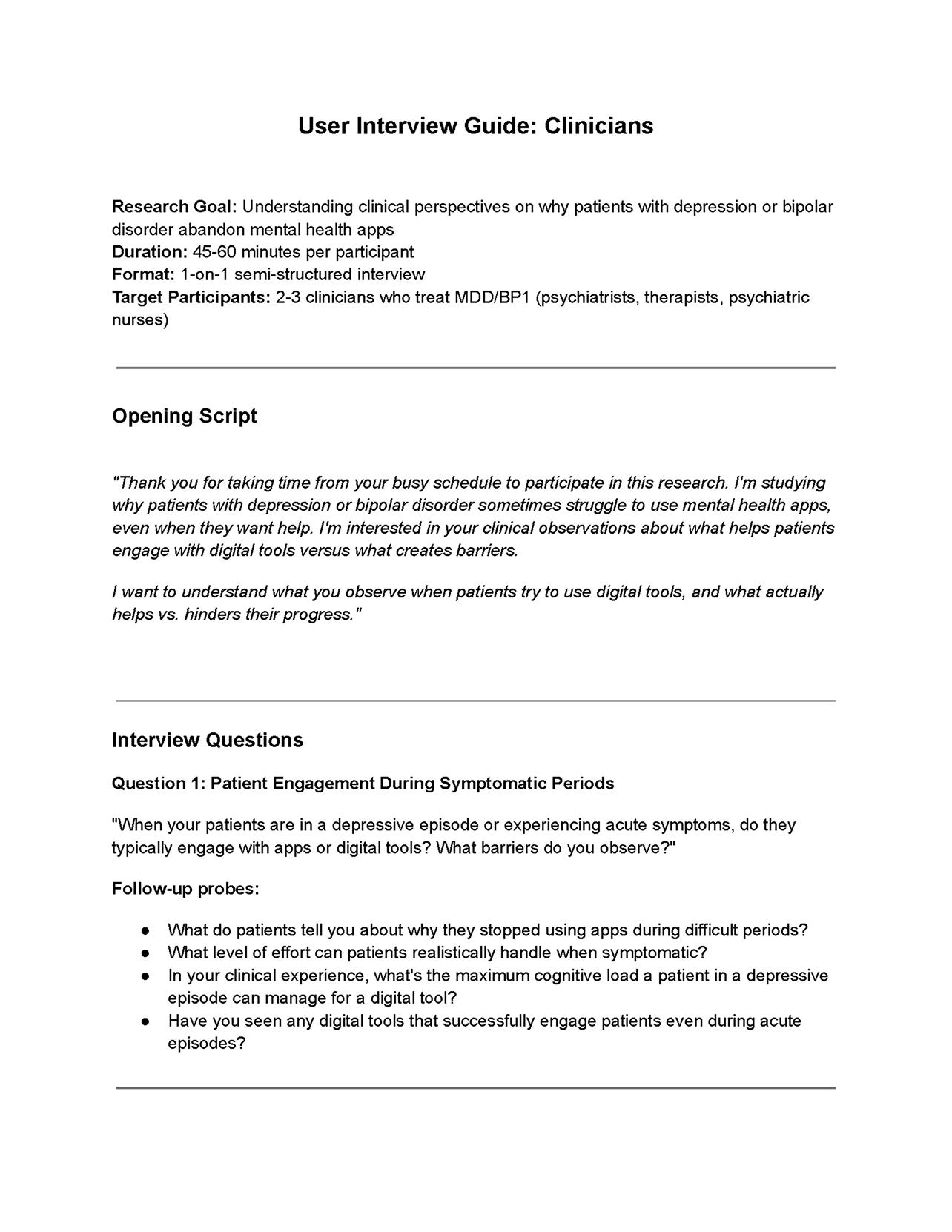
Before starting my research, I wanted to understand why users with depression or bipolar disorder abandon apps, and in some cases, they quit before they even begin.
To explore that, I framed my research around 5 key questions:
  • Low-Energy Drop-off: Why do users with low energy disengage from an app so quickly?
  • Onboarding Acceptance: What makes an onboarding experience feel safe and achievable for patients who are already struggling, rather than adding to their burden?
  • Non-Judgmental Design: What design patterns make patients feel judged, guilty, or like they’re “failing”, and what can help them feel supported instead?
  • Trigger Recognition & Coping Access: How can we assist patients in identifying their triggers and accessing the right coping strategy immediately without adding any burden?
  • Retention Drivers: From the user’s perspective, what makes patients trust an app enough to return it regularly, and what breaks that trust?
Competitor analysis
I’m conducting competitor analysis to identify which design patterns and features lead users to abandon mental health apps that are currently available in the market.
Specifically, I want to understand:
  • What barriers in existing apps prevent users from accessing support when they has low energy?
  • Which design patterns unintentionally shame or judge users?
  • How do existing apps manage or fail trigger identification and access to coping strategies?
  • How do existing apps handles patient engagement, and how they build trust with users?
I’m analyzing 3 existing apps listed below. Because they share some of the same goals as our app.